

























































































































































A road trip in the United States puts your phone at the center of daily travel. It helps you find the rental desk, navigate unfamiliar highways, locate your accommodation, retrieve reservations, and coordinate with everyone in the car. Unlike a city break, however, a driving holiday can take you through places where mobile coverage changes significantly between stops.
The most useful preparation is therefore about making your itinerary accessible under different conditions. Your phone should help when you have a strong connection, remain useful when reception disappears, and recover smoothly when you reach the next town.
Before departure, organize your navigation, booking information, charging equipment, and communication arrangements around the actual route. A few practical checks at home can prevent a missed entrance, an inaccessible reservation, or a difficult arrival after a long drive.
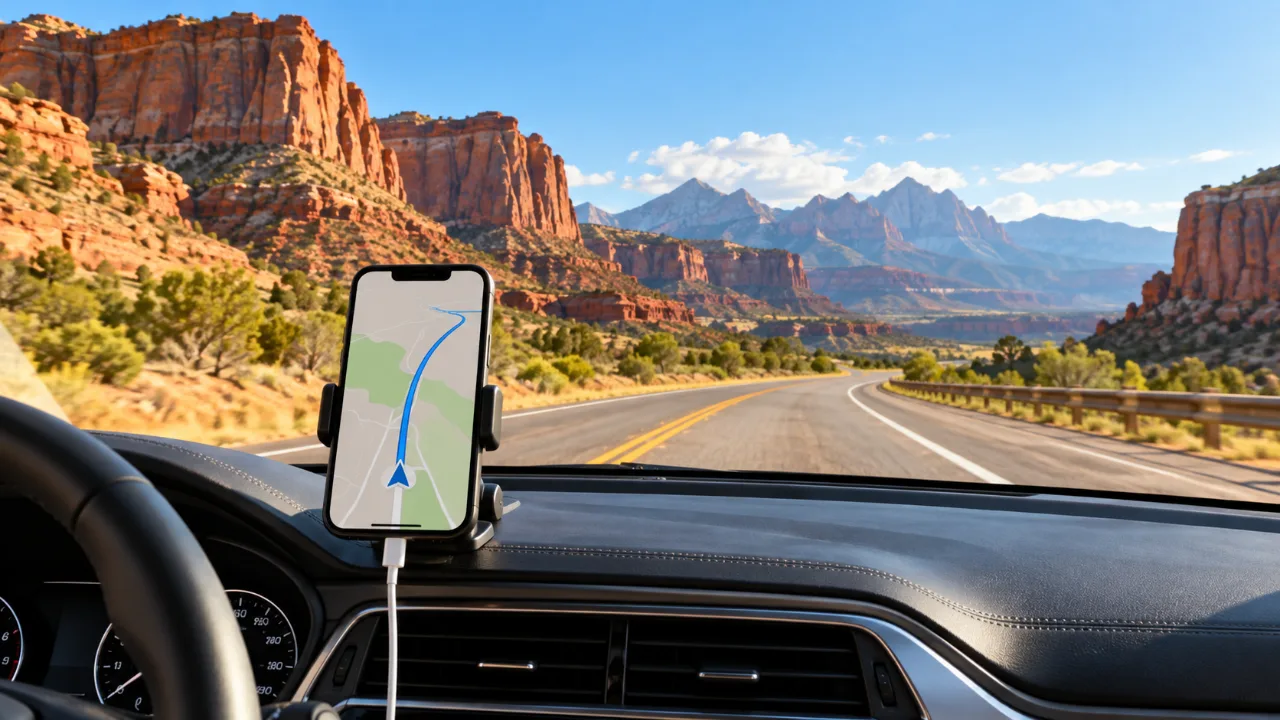
Build Your Phone Setup Around the Route
Start with the journey rather than a list of travel apps. A coastal drive between populated towns creates different digital needs from a route through desert landscapes, mountain roads, or national parks.
Review each driving day and identify where you will need current information. These moments might include leaving an airport, checking road conditions, finding a specific park entrance, locating fuel, or reaching accommodation with limited reception.
Then identify what you can prepare in advance. Hotel addresses, reservation references, rental documents, and planned stops should be available without repeatedly searching email.
This route review also reveals weak points. If you are arriving late at a remote property, ask for access instructions before departure. If a journey includes several possible park entrances, confirm which one serves your reservation. A place name alone may be insufficient for accurate navigation.
Separate Fixed Details From Changing Information
Fixed details belong in an accessible travel folder. These include accommodation addresses, booking numbers, and the location of your rental return.
Changing information needs a fresh check. Road closures, weather, traffic, and attraction operating arrangements can change after you save them.
Keeping these categories separate helps you understand what your phone can reliably show offline and what still requires a current connection.
Arrange Mobile Data Before the First Driving Day
The first time you need mobile internet may be before you collect the car. Airport transport instructions, messages from your accommodation, and rental arrangements can all depend on access to online information.
If you are considering an esim usa plan, check your exact phone model, carrier lock status, destination coverage, and the conditions of the selected package before purchasing. Match its validity period to the journey, including your arrival and departure days.
Follow the provider’s instructions about installation and activation. Adding an eSIM profile to a phone and starting the package’s validity are not necessarily the same event.
Once configured, give the travel line a recognizable name. Check which line handles mobile data, calls, and messages, and review automatic data switching. Clear labels make it easier to notice an incorrect setting when you are tired after a flight.
Mobile data supports online travel tasks wherever the selected service has coverage. It does not make every road, valley, or park connected, so your preparation should include information that remains accessible without it.
Prepare Maps for the Entire Driving Corridor
Saving only the destination leaves gaps between places. Your downloaded map area should cover the planned driving corridor, nearby towns, and reasonable alternatives.
A detour may take you outside a narrow download. You might also decide to stop at a different town for food or accommodation. Prepare enough surrounding territory to keep those options visible.
Check what your chosen map app supports offline. A downloaded map does not necessarily include live traffic, every transport mode, current business information, or all search functions.
Before the trip, temporarily disconnect your phone from the internet and test the relevant features. Search for a saved hotel, inspect the next day’s route, and confirm that the map actually opens.
For national park visits, the National Park Service app allows individual park content to be downloaded for offline use. Complete those downloads before leaving a reliable connection.
Save the Correct Entrance
Large parks, resorts, and accommodation complexes can have multiple entrances. Navigation to a general destination may lead to a location that is unsuitable for your booking.
Save the entrance identified in your reservation or official visitor instructions. Add a note explaining why you selected it, especially if other entrances appear nearby.
For remote accommodation, retain the property’s directions alongside the map location. Those instructions may explain a final turn or access road more clearly than an automatically generated route.
Create One Folder for Essential Travel Information
A road trip can generate a scattered collection of emails, screenshots, tickets, and confirmation messages. Bring the essential material together before departure.
Organize it by driving day or destination. Within each section, keep the accommodation address, booking reference, arrival arrangements, and contact details.
Include the rental company’s support information and vehicle return instructions. If the return location differs from the collection point, save it separately with a clear label.
Use filenames that describe the contents. “Hotel arrival instructions” is easier to recognize than a default screenshot filename when several people are waiting in the car.
Check that the files are stored locally. A document visible in a cloud folder may still require an internet connection to open.
Avoid making this folder unnecessarily sensitive. Keep identity documents and account recovery information protected, and share only what another traveler needs to help manage the trip.
Test the Phone With the Rental Car Before Leaving
Before driving away, check how your phone connects to the vehicle. Pair it with the entertainment system or connect the appropriate cable, then confirm that navigation audio is audible.
Check that the connection also provides enough charging for your intended use. A phone displaying navigation, playing audio, and maintaining a mobile connection may need dependable power throughout a long drive.
Bring a suitable cable rather than assuming the vehicle has the connector you use at home. A compatible car adapter can provide another charging option.
Set the destination while parked. Adjust the screen position, volume, and notification settings before entering unfamiliar traffic.
If someone else is traveling with you, agree that the passenger will manage searches, messages, and changes to the route. When driving alone, make those changes at a suitable stopping place.
Plan for Long Gaps Between Convenient Stops
A phone can help you locate services, but a search result is only part of the decision. Review the route before entering a stretch where fuel, food, and accommodation options may be limited.
Save suitable stops in advance. Look at their location relative to the road, rather than simply choosing the closest result on the screen.
Check important operating details while you still have a connection. A saved listing may not reflect a recent change in opening hours.
Keep at least one alternative for essential stops. If the first option is unavailable, you can continue with a decision already considered rather than starting a new search under pressure.
This is also a useful time to tell your accommodation about a delayed arrival. Sending a short message before entering an area with uncertain reception is easier than trying to explain the situation later.
Share the Itinerary Without Depending on Live Tracking
Live location sharing can help travelers coordinate, but it depends on settings, battery availability, and connectivity. It should accompany a clear itinerary.
Share the next overnight destination and a realistic arrival window with a trusted contact. Explain that the route may include periods without reception.
Within the traveling group, agree on meeting points for situations where people separate. At a large attraction, a named entrance and an agreed time are more useful than assuming everyone can immediately message.
Give another adult access to essential booking information where appropriate. If the main phone is lost or stops working, the group should still know where it is staying.
You do not need to share every movement. A practical arrangement focuses on information that helps someone understand the plan and recognize a meaningful change.
Keep the Navigation Phone Ready for Arrival
The final part of a driving day often requires more phone use than expected. You may need to find a parking entrance, read access instructions, contact a host, or retrieve a booking reference.
Preserve enough battery for those tasks. Charge during the journey when suitable, and keep a charged power bank accessible.
Avoid leaving the phone exposed to prolonged direct sunlight on the dashboard. Navigation and charging can already make a device warm, so choose a position that follows the device and mount manufacturers’ guidance.
Download entertainment in advance where your service permits it. This reduces the need to manage streaming during the drive and keeps attention on the journey.
Passengers who want to upload videos or browse extensively can use their own devices. The phone responsible for navigation should remain easy to access and ready for the next instruction.
Use a Short Routine Every Evening
Before going to sleep, review the following day’s route and confirm that the relevant maps and documents are available.
Check the next accommodation’s arrival arrangements. Look for messages about access, parking, or changes to your booking.
Charge your phone and power bank, and place the driving cable somewhere easy to reach. Review current road or weather information where it is relevant to the route.
If your plans changed during the day, update the shared itinerary. A small correction now prevents confusion tomorrow.
This routine should take only a few minutes once your travel folder is organized. Its purpose is to start each morning with a usable plan, while leaving room for spontaneous stops and changes.
Частые вопросы
Can I rely entirely on mobile coverage during a USA road trip?
Coverage depends on the route, local networks, terrain, and your selected service. Keep essential directions and booking details available offline, particularly for remote sections.
Should I download maps before collecting the rental car?
Yes, preparing them earlier gives you time to check the download and test its functions. Airport or rental location connectivity may be less convenient than your connection at home.
Is a screenshot enough for a reservation?
It can be a useful backup, but some bookings require an original document, app, identity check, or other process. Follow the reservation’s instructions and retain the relevant confirmation.
What should I do if the route changes while I am driving?
Let a passenger review the change, or stop somewhere suitable before interacting with the phone. Use current information where available and check that the alternative suits your vehicle and travel plans.
Get GlobaleSIM travel guides first in Google Top Stories.