 Europe eSIM
 Canada eSIM
 Albania eSIM
 South Africa eSIM
 Dubai eSIM






























































































































































































Learn how to avoid roaming charges abroad with eSIMs, Wi-Fi settings, data controls, and simple pre-trip checks that keep travel costs predictable now.
Learn how to avoid roaming charges abroad with eSIMs, Wi-Fi settings, data controls, and simple pre-trip checks that keep travel costs predictable now.
もうすぐご旅行ですか?ご搭乗前にスマホのeSIM対応状況を確認する方法を学び、高額なローミング料金を回避し、設定手順を簡単に行う方法をチェックしましょう。.
Traveling to low-connectivity countries as a digital nomad can be challenging, but with the right preparation and tools, you can stay connected and productive. In this guide, we share essential tips for researching your destination’s connectivity, investing in a reliable international SIM card like GlobaleSIM, downloading offline resources, using data compression, finding Wi-Fi hotspots, and embracing offline activities. By following these strategies and using GlobaleSIM’s affordable data plans and wide coverage, you can navigate low-connectivity countries with ease and make the most of your digital nomad experience.
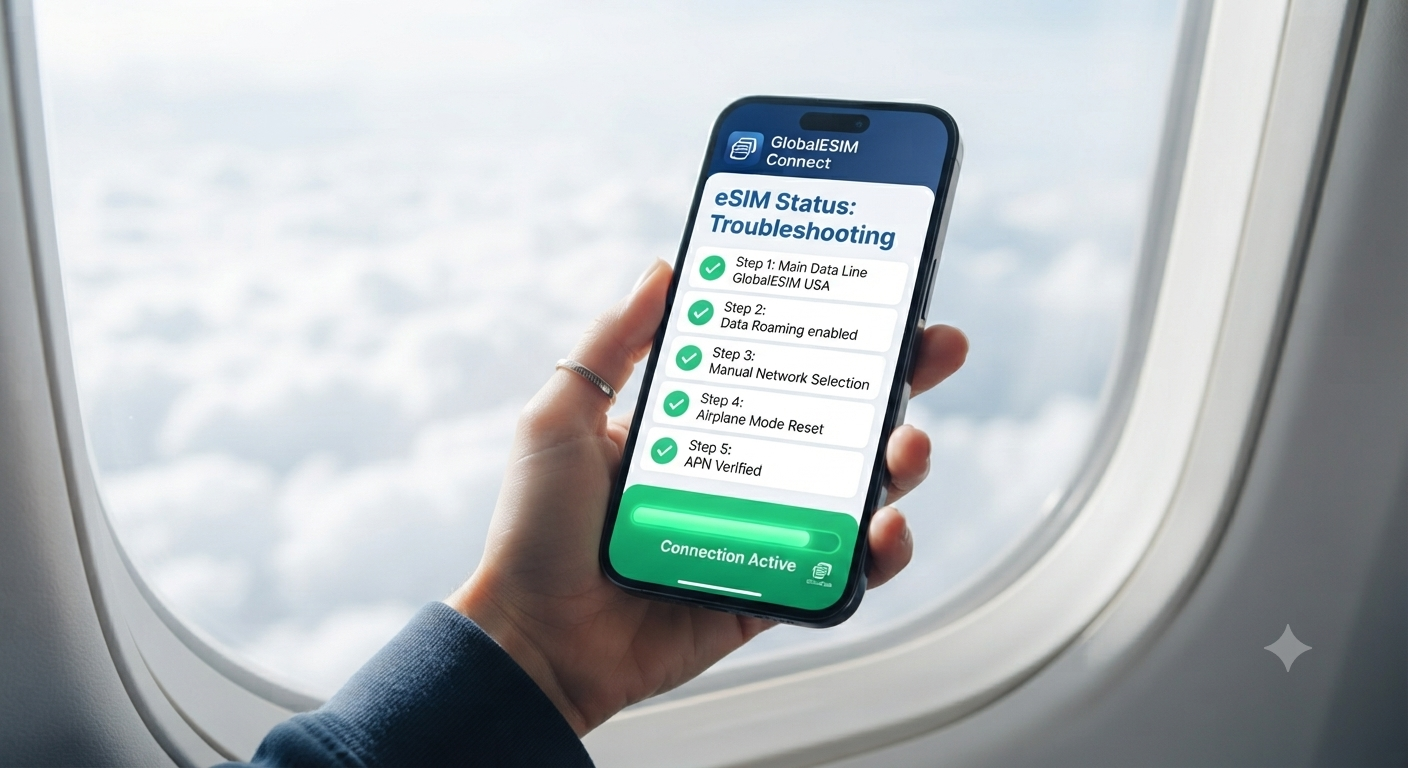
Stuck without internet after your flight lands? Don’t panic. Follow this simple 5-step troubleshooting guide to fix your eSIM connection instantly and get your mobile data running in under a minute.
Discover how the global eSIM market crossed 1.5 billion active connections in 2026. Explore key telecom data, hardware shifts, and travel trends.
Auto-play videos on social media and websites can quickly consume your data allowance without you realizing it. In this article, we provide a comprehensive guide on how to disable auto-play for videos on popular platforms such as Facebook, Twitter, Instagram, and YouTube. By following our step-by-step instructions, you can save on data usage, avoid unexpected charges, and have more control over your video playback settings. We also discuss the benefits of disabling auto-play and how it can improve your overall browsing experience. Don’t let auto-play videos drain your data – take action now and optimize your settings across all the platforms you use regularly
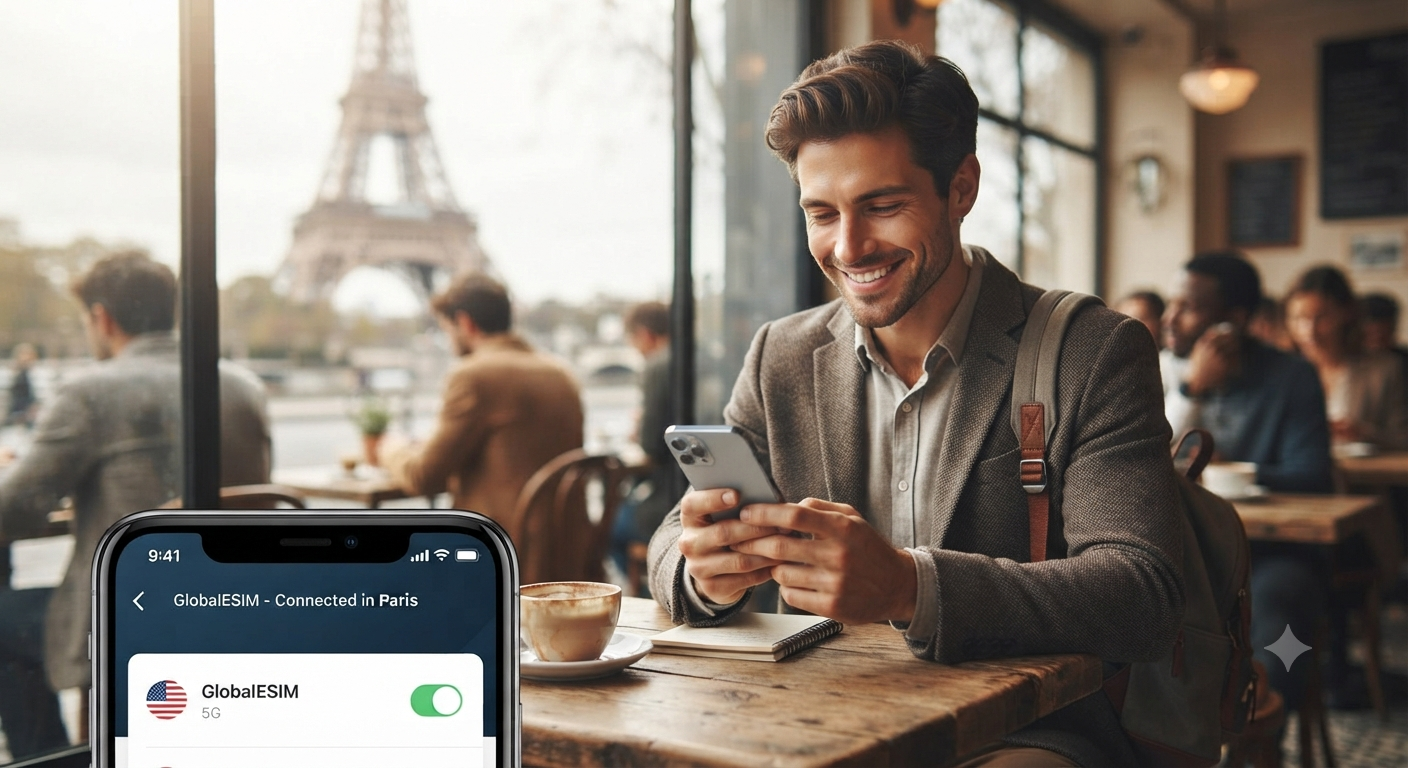
“Landing abroad and disconnected? Don’t let your eSIM ruin your trip. We’ve gathered 5 real-world lessons to help you choose the best eSIM for travel and ensure seamless global connectivity every time you fly.”
Automatic updates on your smartphone or tablet can quickly consume your mobile data allowance, leading to unexpected charges on your bill. In this article, we’ll walk you through the process of setting your Android or iOS device to update apps and system software only when connected to a Wi-Fi network. By limiting automatic updates to Wi-Fi, you can conserve your GlobaleSIM mobile data, avoid additional costs, and still keep your apps and software up-to-date. Discover the benefits of this simple yet effective solution and take control of your device’s automatic update settings today with GlobaleSIM.
“Struggling with airport Wi-Fi and expensive roaming? Learn how to set up your eSIM in just 3 minutes with our step-by-step 2026 guide and enjoy fast, secure 5G connectivity worldwide with GlobalESIM.”
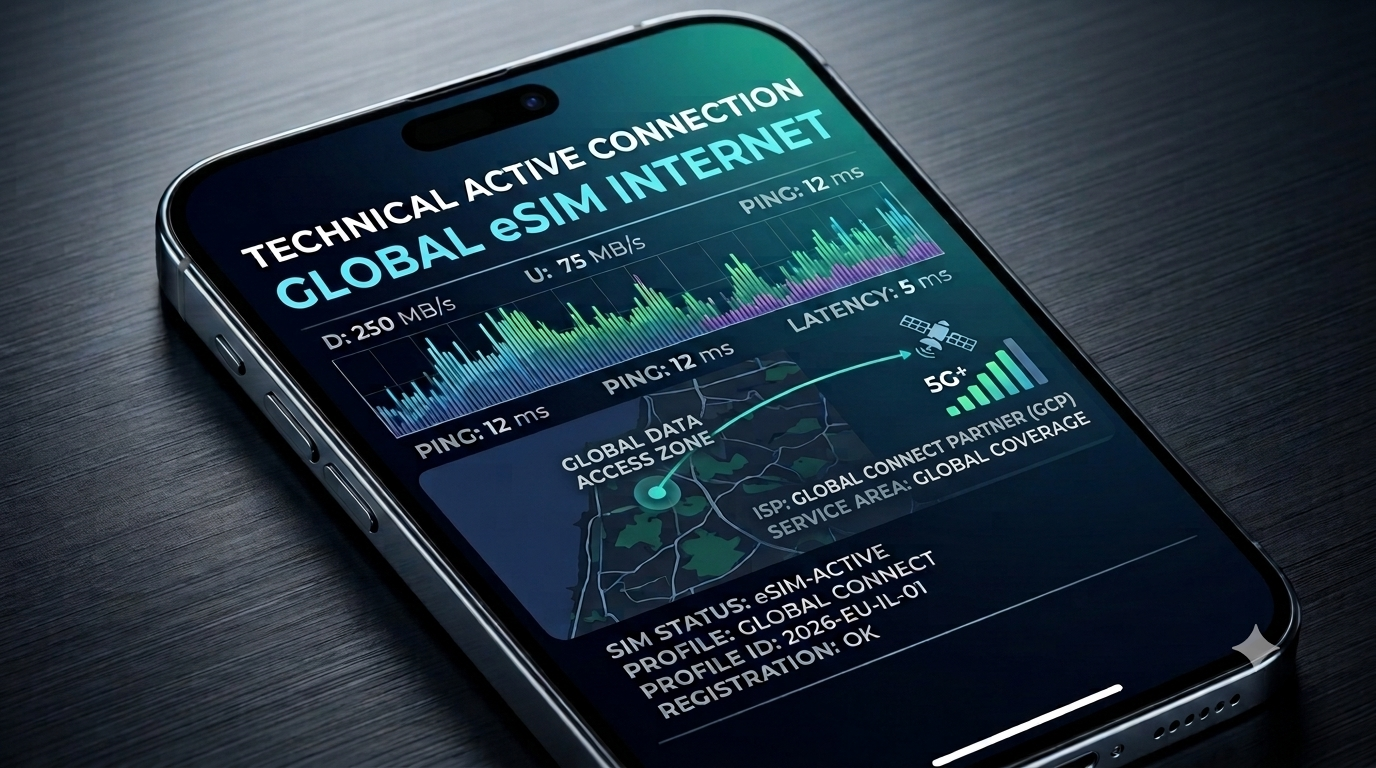
“Traveling in 2026? If your AI travel assistant is lagging or your battery is dying, you’re likely facing a ‘Connectivity Gap.’ Discover the technical reasons behind travel data issues and how to fix them with a quick tech audit.”