

























































































































































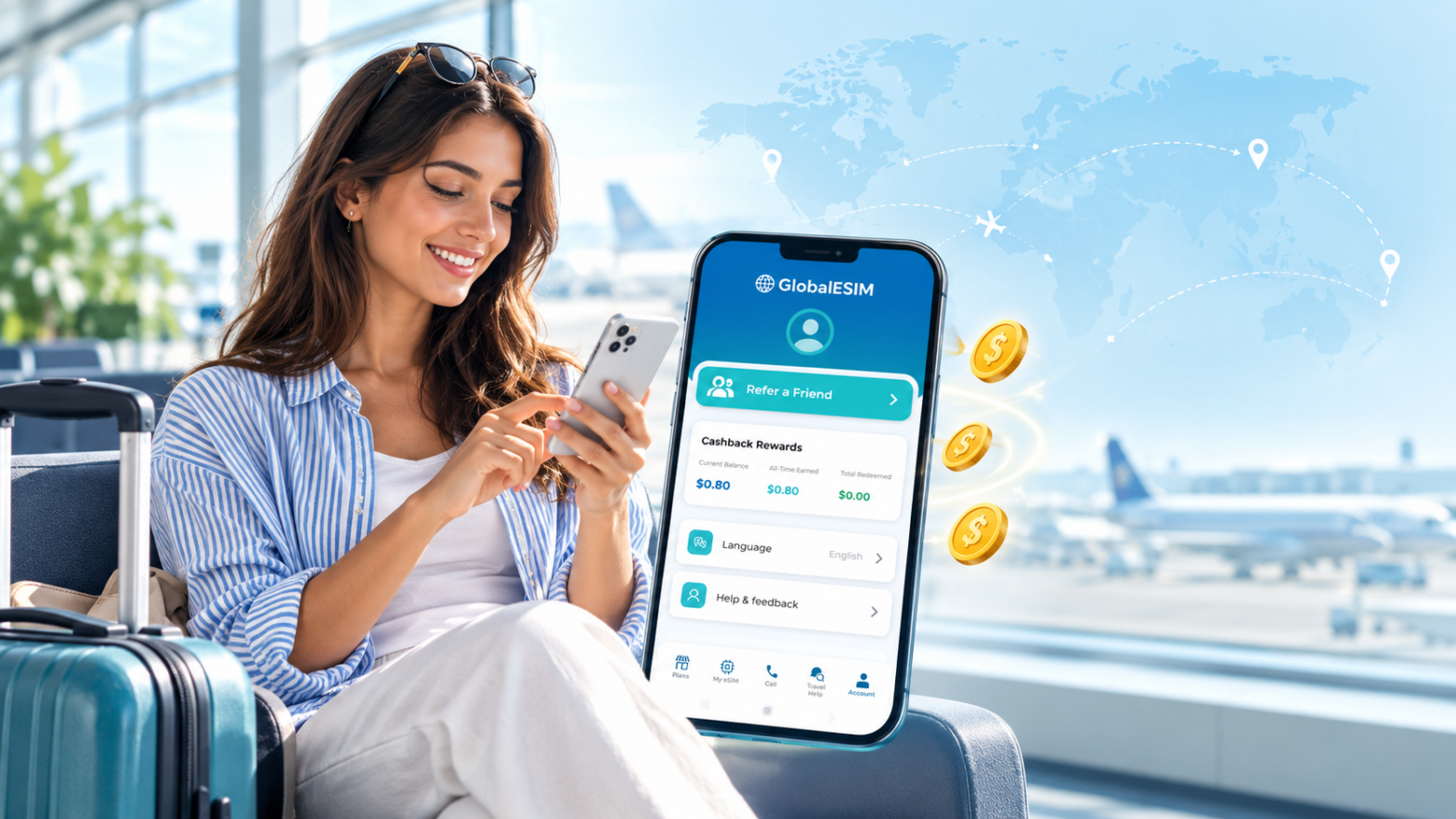
Discover how the Global eSIM loyalty program helps you save money on every international trip. Earn 10% cash back in your GES Wallet on every data plan purchase, invite friends for extra credits, and manage your connectivity seamlessly in one app.
Discover how the Global eSIM loyalty program helps you save money on every international trip. Earn 10% cash back in your GES Wallet on every data plan purchase, invite friends for extra credits, and manage your connectivity seamlessly in one app.
The first days of travel in China can involve several unfamiliar digital tasks at once. You may need to pay through an app, show a destination in Chinese, locate a station entrance, translate a question, and receive a verification message from a service you have just installed. Having an internet connection helps, but preparation goes beyond connectivity. An app can be installed without its account being ready. A hotel can be saved without its Chinese address. A bank card can be added without confirming which transactions the payment service supports. A useful digital checklist follows the order of everyday travel: arriving, reaching your accommodation, paying for ordinary purchases, moving around,… 続きを読む Your Digital Checklist for the First Days of Travel in China
Winter travel in Canada asks more from a phone than ordinary sightseeing. You may need to check a transport update while wearing gloves, retrieve a ticket outside a busy station, or contact your accommodation after a weather related delay. At the same time, cold conditions can make keeping the device available more difficult. Digital preparation should reflect the trip you are actually taking. A few days in Montréal or Toronto require different arrangements from a journey that combines a city, a mountain resort, and long transfers between them. The useful approach is to prepare around those transitions. Keep essential information accessible, establish when to check updates, and protect enough battery… 続きを読む Canada Winter Travel: A Practical Digital Preparation Guide
A road trip in the United States puts your phone at the center of daily travel. It helps you find the rental desk, navigate unfamiliar highways, locate your accommodation, retrieve reservations, and coordinate with everyone in the car. Unlike a city break, however, a driving holiday can take you through places where mobile coverage changes significantly between stops. The most useful preparation is therefore about making your itinerary accessible under different conditions. Your phone should help when you have a strong connection, remain useful when reception disappears, and recover smoothly when you reach the next town. Before departure, organize your navigation, booking information, charging equipment, and communication arrangements around the… 続きを読む How to Prepare Your Phone for a Road Trip in the USA
Most international visitors can use their existing smartphone in Canada without buying a new device. The main things to check before traveling are whether your phone is carrier unlocked, whether it supports eSIM, what your home provider charges for roaming, and how much mobile data you expect to use. For many travelers, using a prepaid eSIM for Canadian data is a straightforward alternative to relying on international roaming or purchasing a physical SIM after arrival. Will your smartphone work in Canada? Modern unlocked smartphones designed for international use will generally connect to Canadian mobile networks, but compatibility is not guaranteed for every device. Before your flight, check: Whether your phone… 続きを読む Using Your Smartphone in Canada: A Guide for International Visitors
The easiest way to stay connected in Tokyo is to arrange mobile data before you arrive. Public WiFi is available at airports, stations, tourist facilities, and many other locations, but it is not always available exactly when you need directions, translation, transport information, or access to a booking. For most first time visitors, an eSIM or another personal mobile data connection is therefore more convenient as the primary connection, while public WiFi works well as a supplement. Is free WiFi widely available in Tokyo? Free WiFi is available in many parts of Tokyo, especially in major transport and tourist areas. Tokyo’s official tourism organization notes that free WiFi can be… 続きを読む Mobile Internet in Tokyo: A Guide for First Time Visitors
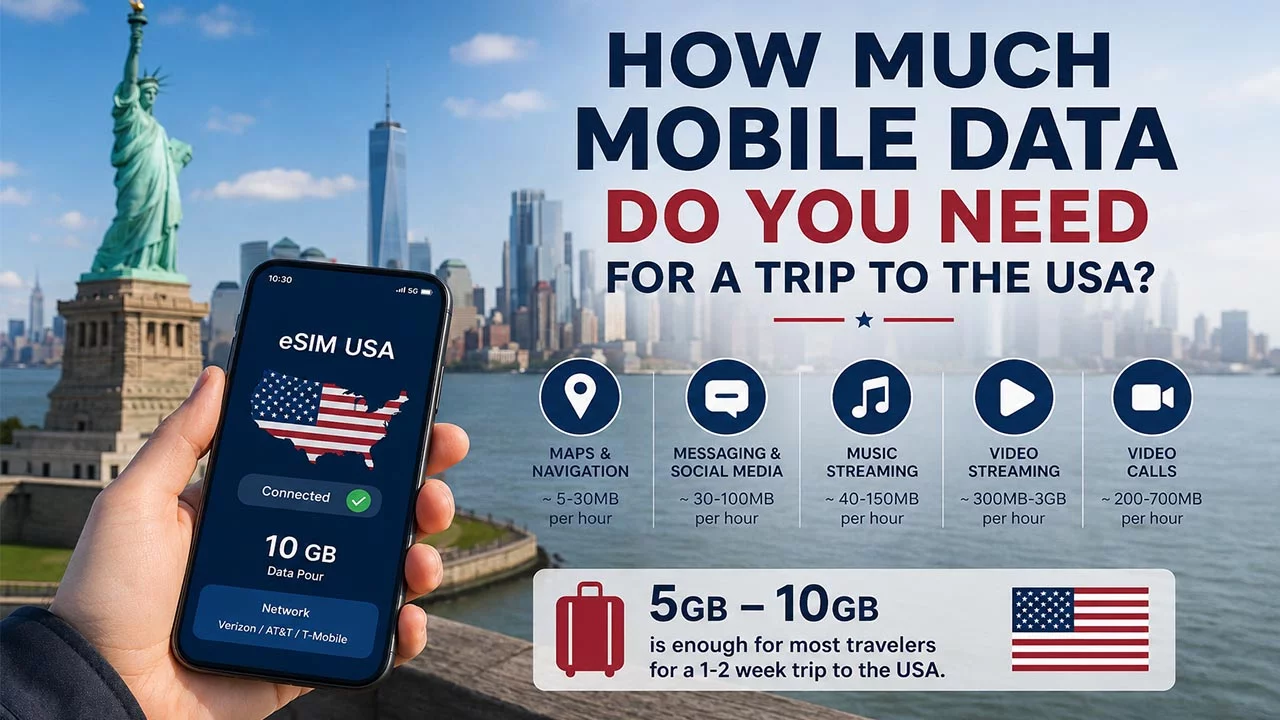
For most travelers, 5GB to 10GB of mobile data is enough for a one to two week trip to the USA if you mainly use your phone for navigation, messaging, browsing, ride apps, and occasional social media. If you regularly stream video, make video calls, upload large amounts of content, or use your phone as a hotspot, 15GB to 20GB may be a better choice. The right amount depends less on how many days you are traveling and more on what you plan to do with your phone. How much data should you plan for? A simple starting point is to match your data allowance to your travel style. 1GB… 続きを読む How Much Mobile Data Do You Need for a Trip to the USA?
eSIMデータ、Wi-Fi通話、通話アプリを使ってローミング料金なしで旅行中に音声通話を。海外でも安心で予測できるプランを今すぐ準備しましょう。
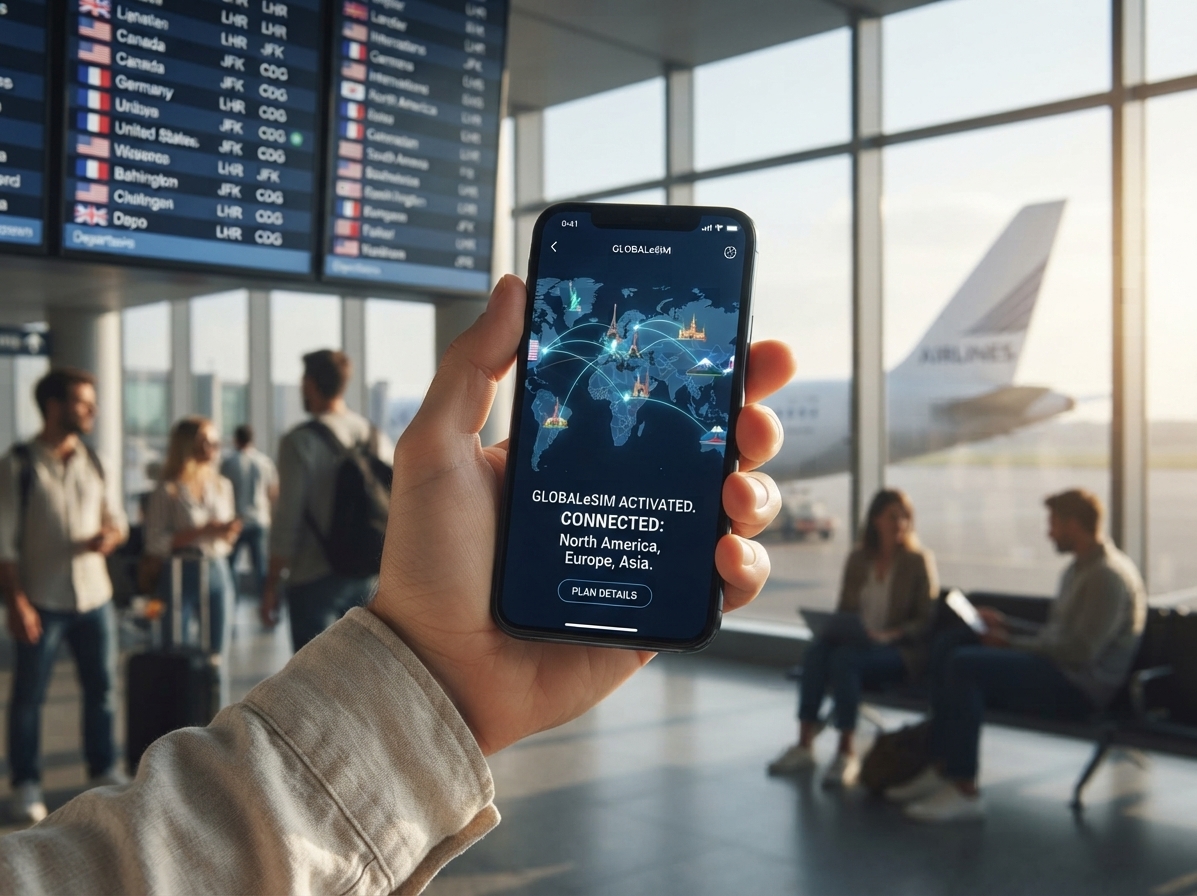
eSIMは複数の国で使える?地域プランやグローバルプランの仕組み、プランを切り替えるタイミング、海外でローミングの想定外を避ける方法を解説。
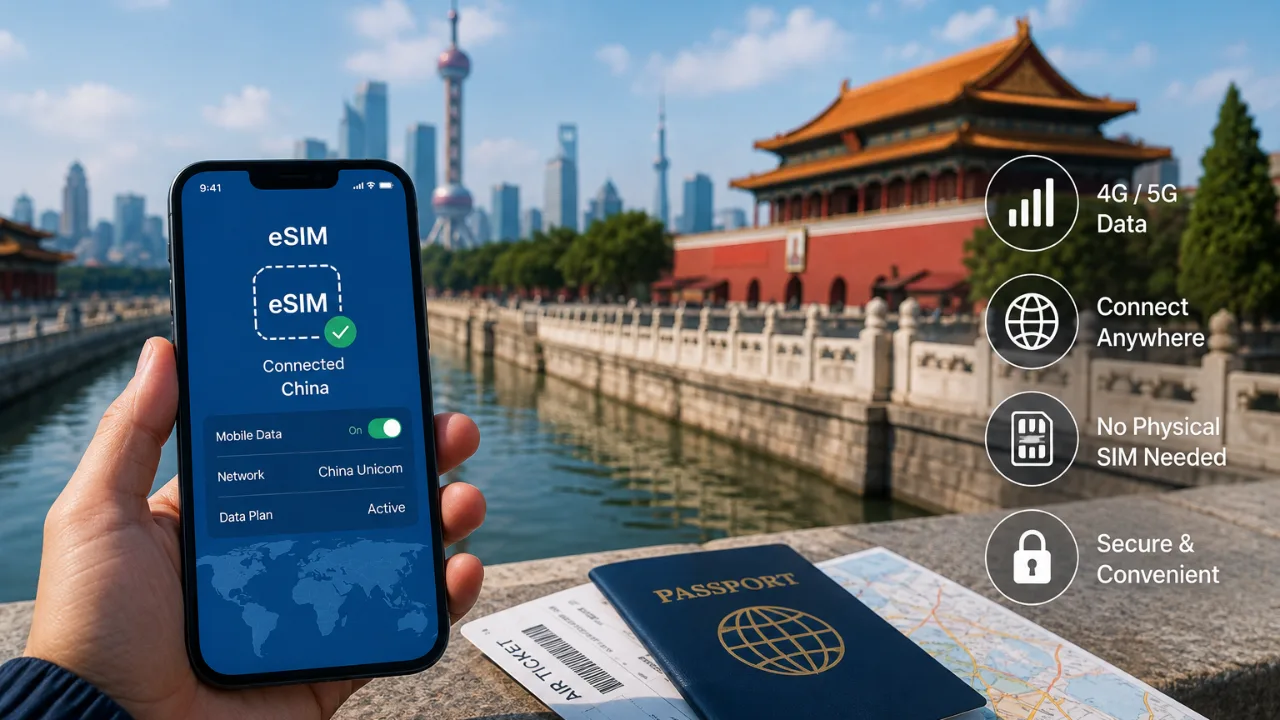
You can stay connected in China without buying a local physical SIM by using a travel eSIM, international roaming or Wi Fi. For most travelers with a compatible unlocked phone, a travel eSIM is one of the simplest options because mobile data can be arranged before the trip without visiting a mobile carrier store after arrival. The right choice depends on your phone, how much data you need, how long you will stay in China and whether you also need traditional calls or SMS. What Are the Main Ways to Get Internet in China Without a Local SIM? Travelers generally have three practical options: a travel eSIM, roaming through their… 続きを読む How to Stay Connected in China Without Buying a Local SIM?