

























































































































































Winter travel in Canada asks more from a phone than ordinary sightseeing. You may need to check a transport update while wearing gloves, retrieve a ticket outside a busy station, or contact your accommodation after a weather related delay. At the same time, cold conditions can make keeping the device available more difficult.
Digital preparation should reflect the trip you are actually taking. A few days in Montréal or Toronto require different arrangements from a journey that combines a city, a mountain resort, and long transfers between them.
The useful approach is to prepare around those transitions. Keep essential information accessible, establish when to check updates, and protect enough battery for the moments when your phone matters most. This guide focuses on that daily routine rather than choosing winter attractions or assuming connectivity will be available everywhere.
Map the Points Where Your Plans Could Change
Begin with the itinerary and identify the journeys that connect its main parts. These might include an airport transfer, a train journey, a resort shuttle, or a drive to a smaller community.
For each transition, ask what information you would need if the original plan changed. You may need the operator’s contact details, the accommodation’s arrival instructions, or the address of an alternative meeting point.
Save that information before departure. Place it beside the original booking so you can find both without searching across several apps.
Also identify which arrangements depend on a specific arrival time. If a property expects you before reception closes, clarify the process for a delayed arrival.
This preparation is especially useful when several services depend on one another. A delayed flight can affect a transfer, which can then affect accommodation access. Knowing who to contact makes the sequence easier to manage.
Set Up Connectivity for Travel Days
Mobile internet is useful for receiving changes, contacting operators, and reviewing information between accommodation stays. Prepare it before the first transfer rather than waiting until you are standing outside an unfamiliar terminal.
When reviewing an esim canada package, check compatibility with your exact device, whether the phone is unlocked, the package validity, and coverage relevant to your destinations. Review the current conditions of the selected plan rather than assuming every option provides the same services.
Follow the installation instructions and confirm which line will handle mobile data. If you keep your regular line active, check its roaming conditions and the phone’s automatic switching settings.
Consider how you will communicate with businesses. Internet messaging and traditional telephone calls are different services. A mobile data connection alone does not establish that your package includes a phone number, voice calls, or SMS.
Keep the provider’s support instructions accessible. If you need help, having the relevant details already saved avoids another search during a transfer.
Build a Winter Travel Folder
Create a small folder containing the information you may need while moving between places.
Include accommodation addresses, booking references, transport confirmations, and arrival instructions. Keep the next destination especially easy to access.
Save local copies where the relevant app or document format allows it. Then test them with the phone disconnected from the internet.
For activities, check the actual admission process. A screenshot may be helpful, but some providers require a live app, identification, a booking lookup, or a particular ticket format.
Name files according to their use. “Airport transfer meeting point” is easier to identify outdoors than a sequence of automatically generated filenames.
If traveling with another adult, share selected documents with that person. Two independently accessible copies are useful if one phone loses power or becomes unavailable.
Make Addresses Easy to Show
Store the full accommodation name and address as readable text. A map pin is helpful, but it may be awkward to explain when a driver or operator asks where you are going.
Keep any entrance, building, or reception instructions with the address. This is particularly useful when the property sits within a larger complex.
Treat Battery Availability as Part of the Itinerary
Cold conditions can affect how a phone behaves. Apple states that using an iPhone or iPad outside its operating range in very cold conditions may temporarily shorten battery life or cause it to turn off. Charging can also be interrupted when the device is too cold. Apple Support (IE)
For daily travel, keep the phone in a protected pocket between uses. Take it out to complete a task, then put it away rather than leaving it exposed throughout a long outdoor wait.
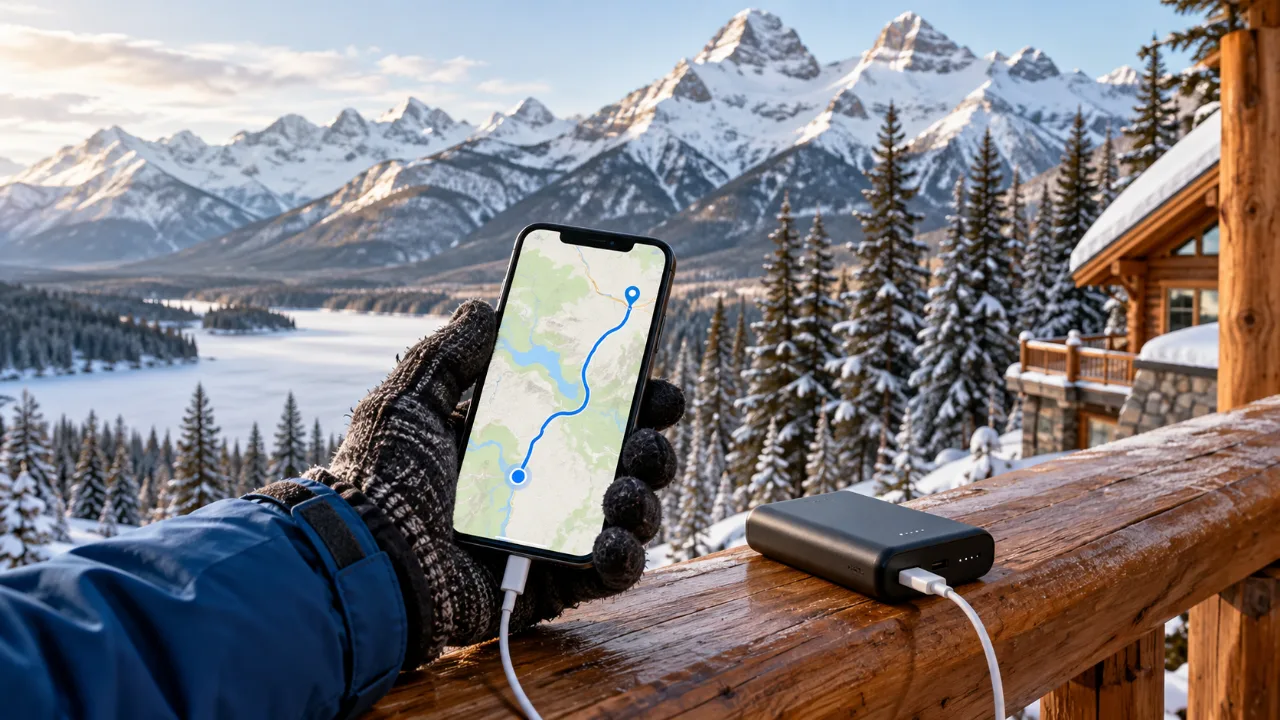
Carry a charged power bank and the correct cable in an accessible place. Equipment buried beneath luggage is less useful when a transfer is approaching.
Follow the manufacturer’s temperature and charging guidance. If the phone displays a temperature warning or refuses to charge, give it time to return to suitable conditions.
Your practical goal is to have enough power for the next important task. That might be showing a ticket, contacting a host, or confirming a changed meeting point. Continuous filming can wait when the same phone is responsible for those arrangements.
Reduce Outdoor Screen Time
Prepare information indoors before leaving for the next stop. Open the address, check the route, and read the meeting instructions while you can do so comfortably.
If a ticket can be stored in a supported wallet or accessible local format, prepare it in advance according to the issuer’s instructions.
Make useful information quick to find. A clearly organized home screen or pinned travel folder can reduce time spent searching.
Choose gloves that allow you to operate your device if appropriate, and test them at home. What works for a quick tap may be less effective for typing a message or entering a password.
Think about how you carry the phone when taking pictures. Secure pockets and suitable accessories can help you avoid placing it on a wet or snowy surface.
Small changes to handling make a difference because outdoor interactions repeat throughout the day. The easier each task becomes, the less often you need to stop and reorganize yourself.
Establish a Schedule for Checking Updates
Constantly refreshing travel information can become distracting without improving the plan. Use a few purposeful checks instead.
Review relevant updates before leaving your accommodation. Check again before a major transfer, and once more if conditions or operator messages suggest a change.
Use official transport, road, attraction, and accommodation information for decisions that affect the itinerary. A social post or older screenshot may help you notice an issue, but it should lead you to the relevant current source.
Read the timestamp and location carefully. A notice about another route or an earlier day may not apply to your journey.
If an update affects several bookings, handle them in order. Confirm the transport situation first, then contact the accommodation or activity provider with a clearer estimate.
This approach gives each check a purpose and makes it easier to explain changes to the rest of the traveling group.
Prepare for Delayed Arrivals
Before a travel day, understand what happens if you reach the destination later than expected.
Ask your accommodation about reception availability, access instructions, and the best way to communicate a delay. Save the answer with the booking.
For a transfer, confirm where you should wait and how the operator communicates changes. A meeting point inside a terminal may be easier to manage than an unclear arrangement outside.
Keep a simple message ready with your name, booking reference, and updated arrival estimate. You can adapt it quickly instead of composing everything from the beginning.
If your arrival time remains uncertain, say so. A realistic update is more useful than a precise promise you cannot support.
Make sure another traveler understands the arrangements. The person with the booking should not be the only one able to communicate with the host or identify the next step.
Distinguish Mobile Data From Outdoor Safety Equipment
A mobile connection helps with ordinary travel communication where coverage exists. It should not be treated as proof that a remote outing has reliable communication.
Before an outdoor activity, review the location’s guidance and the arrangements provided by the organizer. Understand whether the route has reception and what participants are expected to carry.
If your plans involve remote terrain, seek appropriate local guidance and prepare communication equipment suitable for that activity. A travel data package is only one part of the wider picture.
For simpler outings, such as an organized city walking tour, coordination still matters. Confirm the meeting point, return arrangements, and how to contact the organizer if separated.
Avoid assuming that a map displayed on the screen confirms that a route is suitable in winter. Navigation information and current local conditions answer different questions.
Agree on Communication Within the Group
Winter travel can involve people arriving at different times or choosing different activities. Establish how the group will coordinate before separating.
Choose a main messaging channel and make sure everyone can access it. Agree on a meeting point and time for situations where messages do not arrive.
Use recognizable locations. A named lobby or entrance is easier to find than “near the shuttle” when several vehicles are waiting.
Tell the group when a plan changes, particularly if the change affects return transport. Keep messages short and specific.
If live location sharing is used, remember that it depends on connectivity, permissions, and device power. A clear meeting arrangement remains valuable.
For family travel, distribute essential information between responsible adults. Each person should know the accommodation address and how to contact the others.
Finish Each Day With a Simple Reset
Once indoors, charge your devices and review the following day’s bookings.
Check that the next address and tickets are accessible. Refresh relevant downloads where needed, and remove outdated screenshots that could create confusion.
Review any messages from transport operators or activity providers. If something changed, update the shared itinerary.
Place the phone cable and power bank where you can reach them during the next journey. Check that you have enough storage for photographs without needing to reorganize the device outdoors.
This evening routine connects today’s experience with tomorrow’s plan. It also gives you time to solve small problems while you have a comfortable place and a reliable connection.
Perguntas frequentes
Is a Canada winter phone setup different from a summer setup?
The basic tasks are similar, but winter makes battery availability, quick access to information, and changing transport arrangements more prominent.
Should I keep my phone switched off whenever I am outside?
That is usually unnecessary for ordinary travel. Follow the device manufacturer’s guidance, protect it between uses, and preserve enough power for essential tasks.
Will a downloaded ticket always work?
That depends on the issuer. Check whether it supports offline display, a digital wallet, a printed copy, or another admission method.
Does mobile data guarantee reception at a mountain destination?
No. Coverage varies with the location, terrain, network, and selected service. Prepare essential information offline and follow local guidance for outdoor activities.
Seja o primeiro a ver os guias de viagem da GlobaleSIM nas principais notícias do Google.