








































































































































































































Samsung
eSIM for Samsung
44 models listedeSIM compatible
eSIM compatible Devices – Samsung
Samsung Galaxy S Series
18 modelsGalaxy S25
3 models
Galaxy S25
eSIM compatible
Galaxy S25+
eSIM compatible
Galaxy S25 Ultra
eSIM compatible
Galaxy S24
3 models
Galaxy S24
eSIM compatible
Galaxy S24+
eSIM compatible
Galaxy S24 Ultra
eSIM compatible
Galaxy S23
3 models
Galaxy S23
eSIM compatible
Galaxy S23+
eSIM compatible
Galaxy S23 Ultra
eSIM compatible
Galaxy S22
3 models
Galaxy S22
eSIM compatible
Galaxy S22+
eSIM compatible
Galaxy S22 Ultra
eSIM compatible
Galaxy S21
3 models
Galaxy S21
eSIM compatible
Galaxy S21+ 5G
eSIM compatible
Galaxy S21 Ultra 5G
eSIM compatible
Galaxy S20
3 models
Galaxy S20
eSIM compatible
Galaxy S20+
eSIM compatible
Galaxy S20 Ultra
eSIM compatible
Samsung Galaxy Note Series
2 modelsGalaxy Note20
2 models
Galaxy Note20
eSIM compatible
Galaxy Note20 Ultra
eSIM compatible
Samsung Galaxy Z Series
10 modelsGalaxy Z Fold
6 models
Galaxy Z Fold2
eSIM compatible
Galaxy Z Fold3
eSIM compatible
Galaxy Z Fold4
eSIM compatible
Galaxy Z Fold5
eSIM compatible
Galaxy Z Fold6
eSIM compatible
Galaxy Z Fold7
eSIM compatible
Galaxy Z Flip
4 models
Galaxy Z Flip3
eSIM compatible
Galaxy Z Flip4
eSIM compatible
Galaxy Z Flip5
eSIM compatible
Galaxy Z Flip6
eSIM compatible
Samsung Galaxy A Series
6 modelsGalaxy A
6 models
Galaxy A35
eSIM compatible
Galaxy A36
eSIM compatible
Galaxy A40
eSIM compatible
Galaxy A45 5G
eSIM compatible
Galaxy A55
eSIM compatible
Galaxy A56
eSIM compatible
Samsung Galaxy Tab Series
5 modelsGalaxy Tab S9
5 models
Galaxy Tab S9
eSIM compatible
Galaxy Tab S9+
eSIM compatible
Galaxy Tab S9 Ultra
eSIM compatible
Galaxy Tab S9 FE
eSIM compatible
Galaxy Tab S9 FE+
eSIM compatible
Samsung Galaxy Book Series
2 modelsGalaxy Book
2 models
Galaxy Book 2
eSIM compatible
Galaxy Book 3
eSIM compatible
Outros
1 modelGalaxy Fold
1 model
Samsung Galaxy Fold
eSIM compatible
No matching model in this list.
It’s important to note that eSIM support may vary based on region and specific device model—for instance, most Samsung Galaxy devices purchased in South Korea support eSIMs. Additionally, devices originating in China, Hong Kong, and Taiwan generally do not have eSIM capabilities.
How eSIM for Samsung Works?
The eSIM (embedded subscriber identity module) represents the future of mobile technology, especially in the context of Samsung’s smartphones. Essentially a virtual SIM card, the eSIM is pre-installed as a small chip within the phone’s structure, eliminating the need for physical SIM cards. This innovation offers enhanced accessibility and simplifies the configuration process for users.
Samsung was an early adopter of eSIM technology, initially introducing it in their smartwatches before integrating it into their smartphones starting with the Galaxy S20 series in 2020. This marked the beginning of a range of eSIM-enabled devices from Samsung, including smartphones and smartwatches.
The process to activate and use an eSIM in a compatible Samsung device is pretty straightforward. First, users need to ensure their device supports eSIM technology. Once confirmed, they can acquire an eSIM data plan from a provider like Globalesim,, which offers various plans suitable for different destinations. An internet connection is essential during the setup process. Scanning a QR code issued by an eSIM provider is the most common way to install and activate an eSIM. This ease of activation and the ability to switch between data plans seamlessly makes eSIMs particularly advantageous for travelers. There are many eSIM providers today who offer affordable pricing for roaming data plans, which are surely more cost-effective when compared to what a local carrier would offer.
An eSIM-supported device can hold up to five virtual SIM cards simultaneously, allowing users to switch between plans under device settings. This multi-carrier capability is particularly beneficial for those who travel frequently, as it activates additional cellular data plans without the hassle of tracking down physical SIM cards. Though today’s eSIM technology does allow for the usage of both physical SIM and eSIM plans simultaneously, the next generation iSIM will allow end users to work with two eSIM lines at the same time. Operators like GlobaleSIM offer eSIM plans that connect to local mobile networks in over 200 destinations, presenting a more economical alternative to traditional roaming charges.
In summation, Samsung’s integration of eSIM technology on its devices simplifies the user experience. It aligns with the evolving landscape of mobile technology, where virtual solutions are increasingly becoming the norm.
How to set up eSIM on a Samsung device?
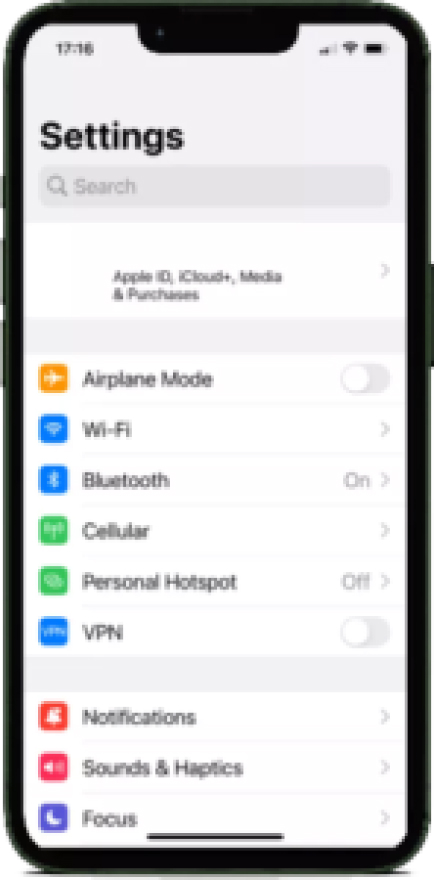 1
1On your Samsung home screen, click on “Settings” >> “Cellular” >> “Add eSIM”
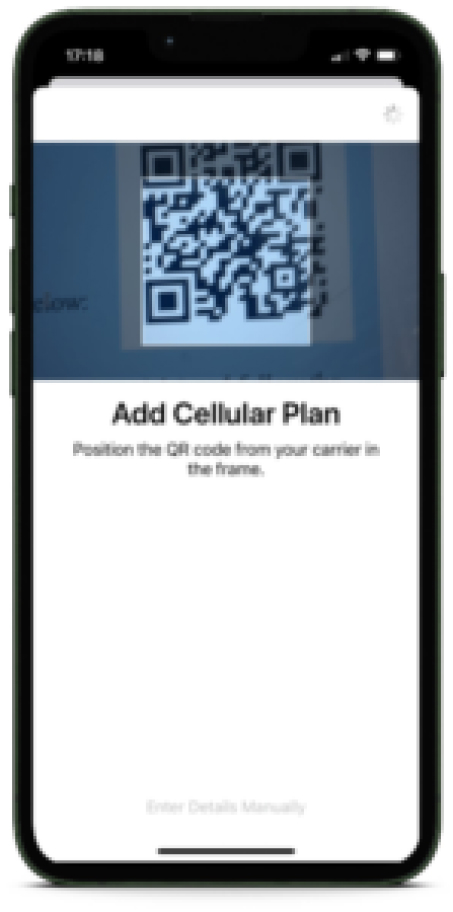 2
2Select “Use QR Code’”
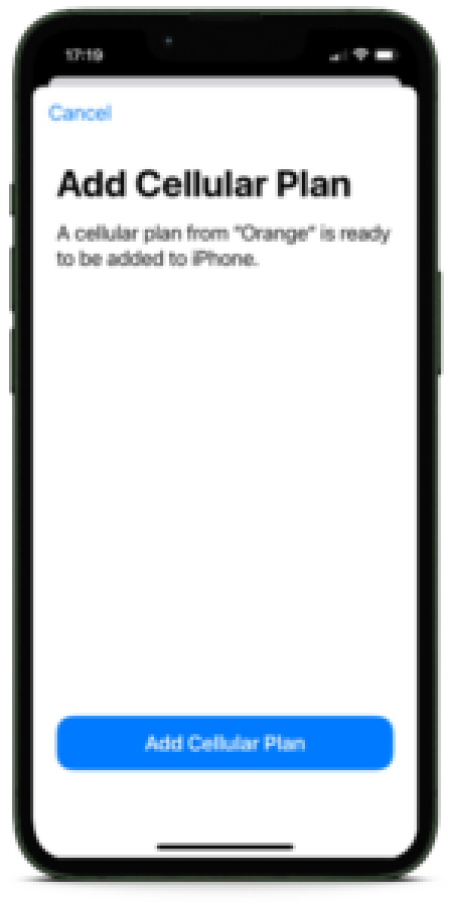 3
3Your camera will open. Scan the QR code you received from your eSIM provider, or click “Enter Details Manually” to add the SMDP+ and Activation Code manually
 4
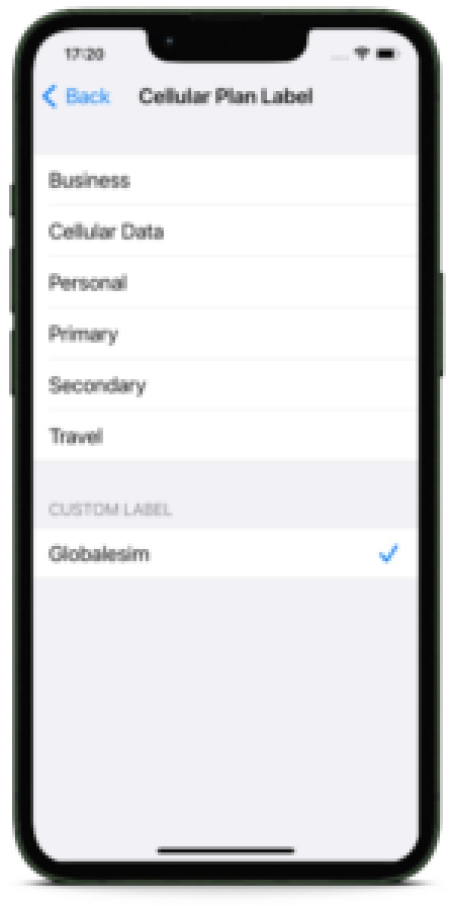
4Upon installation, you can label your new eSIM line as “Secondary”, “Business line”, or “Travel” as an identifiable name for your new eSIM line.
 5
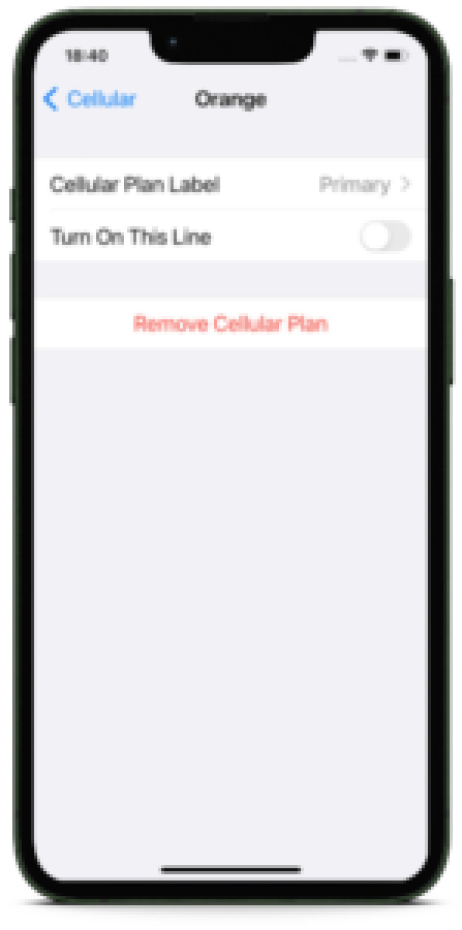
5Verify a new line was added in “Settings” >> “Cellular” Menu
 6
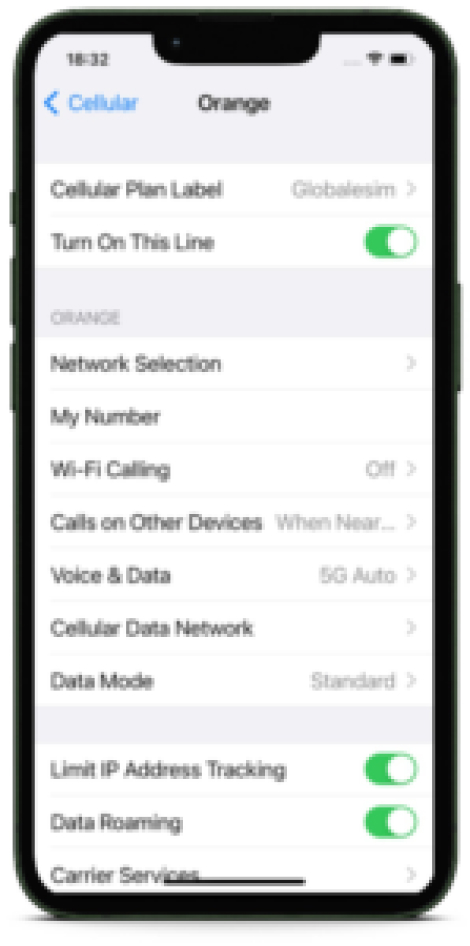
6You now can turn ON / OFF your new eSIM line with a click.
 7
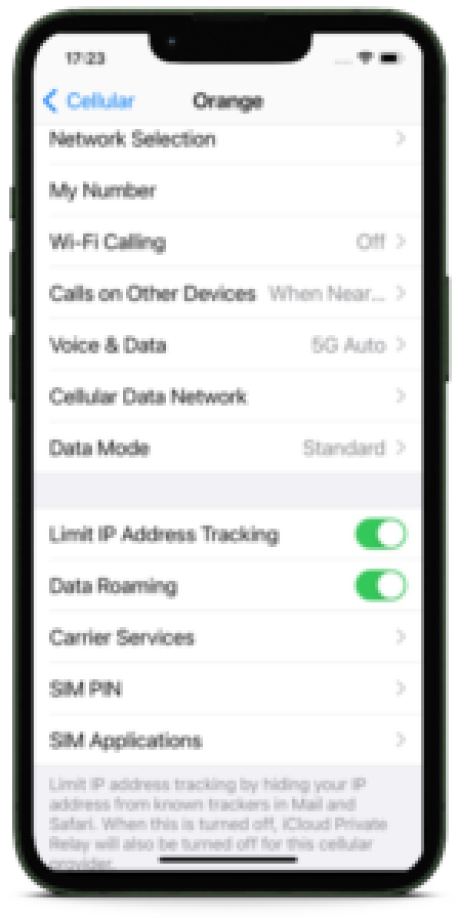
7If you are using your eSIM for international roaming, don’t forget to turn on “Data Roaming” to use data connectivity while abroad.
eSIM for Samsung FAQ
How to buy eSIM for Samsung?
The process of acquiring your eSIM is fairly straightforward:
1. Type in your desired country or region in the search bar
2. Once you manage to locate your desired country and or region, select the most suitable amount of data for your traveling needs (1 GB, 5 GB, or 10 GB for example)
3. Additionally, some providers such as GlobaleSIM offer both Data and separate Voice Minute plans. If you would like to be able to use the Voice Service, you will need to select a Voice Minute plan in addition to the amount of data selected for your Data plan.
4. Then, simply click on “Buy Now” or “Complete Purchase” to input and complete your payment details
5. Lastly click on “Place Order” to lock in and receive confirmation for your purchase
Yes indeed, purchasing and acquiring your eSIM is just as simple as the above 5 steps
Can I convert a physical SIM to an eSIM on a Samsung device?
Converting a traditional SIM to an eSIM on Samsung devices is feasible but requires certain steps. First, ensure your Samsung model supports eSIM technology. If it does, contact your mobile carrier to request an eSIM profile, which often involves providing your device’s EID (eSIM Identifier). The carrier will then provide a QR code or activation details for the eSIM. Once received, you can set up the eSIM on your Samsung device through the Settings menu. This process replaces the physical SIM card, enabling the benefits of eSIM technology, such as dual SIM functionality and easy plan switching. Please note, however, that this process will not prevent expensive roaming charges from your local carrier. Adding an eSIM plan from an eSIM service provider for your next trip is the best option to cut expensive roaming costs.
Can I use eSIM with the dual SIM feature on Samsung devices?
You can use dual SIM functionality on Samsung smartphones that support eSIM. These devices allow you to have a physical SIM card and an eSIM active simultaneously. This dual SIM capability offers the convenience of using two different phone numbers or data plans on a single device. It’s beneficial for managing personal and business lines separately, or using local data plans while traveling without physically swapping out SIM cards. Ensure your Samsung model supports this feature, and check with your carrier for eSIM availability and activation.
Dispositivos compatíveis
Once your device is confirmed as eSIM compatible, you can purchase your plan, install your eSIM and get connected in just a few simple steps.