



































































































































































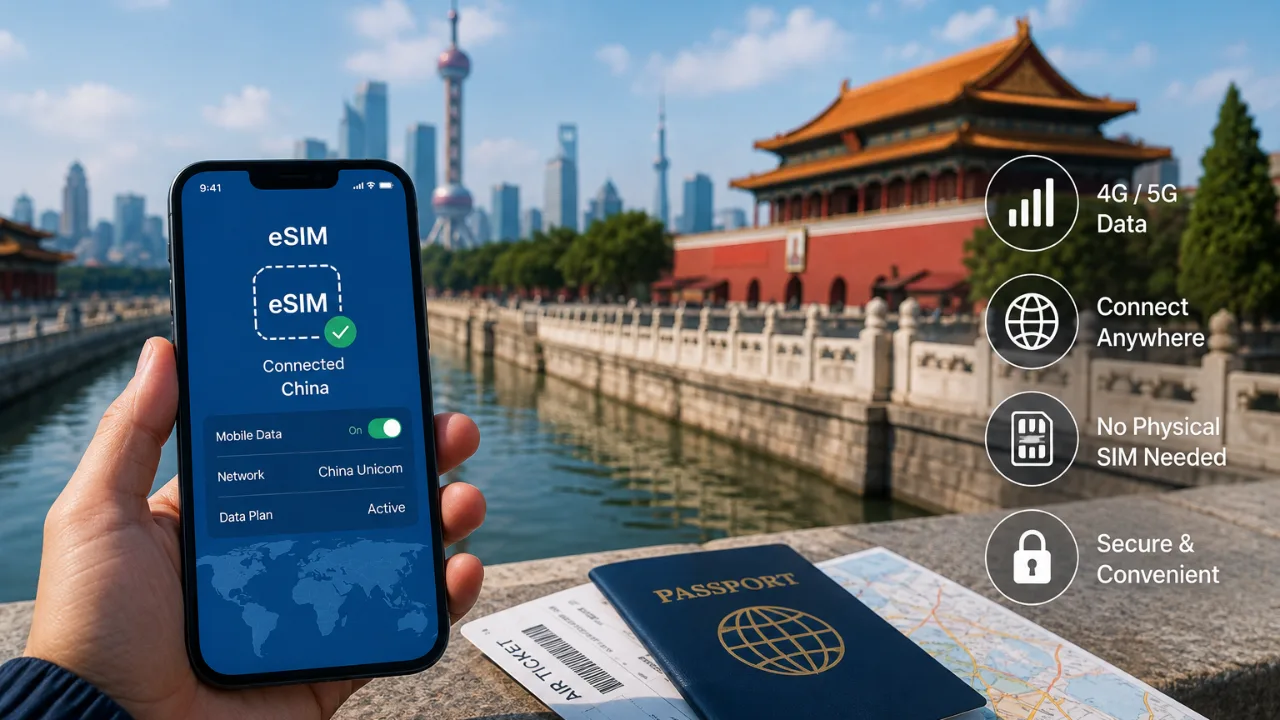
You can stay connected in China without buying a local physical SIM by using a travel eSIM, international roaming or Wi Fi. For most travelers with a compatible unlocked phone, a travel eSIM is one of the simplest options because mobile data can be arranged before the trip without visiting a mobile carrier store after arrival.
The right choice depends on your phone, how much data you need, how long you will stay in China and whether you also need traditional calls or SMS.
What Are the Main Ways to Get Internet in China Without a Local SIM?
Travelers generally have three practical options: a travel eSIM, roaming through their home carrier or Wi Fi.
| Option | Best suited for | Main consideration |
|---|---|---|
| Travel eSIM | Travelers who want mobile data ready for arrival | Your device must support eSIM |
| International roaming | Short trips where convenience matters most | Charges depend on your home carrier |
| Wi Fi | Occasional internet use | Availability changes as you move around |
A combination can also work well. You might use an eSIM for everyday mobile data while keeping hotel Wi Fi available for larger downloads.
Use a Travel eSIM Before Arriving in China
A travel eSIM lets you add a cellular plan digitally instead of inserting a new physical SIM card.
This means you can purchase and prepare your connectivity before departure, then use the selected travel line when you arrive. It also avoids spending part of your first day finding a mobile shop and purchasing a physical SIM.
Travelers looking for an esim china plan can choose a prepaid option designed specifically for use in China. Global eSIM currently lists China plans using China Unicom infrastructure with 4G and 5G connectivity, with optional voice and SMS functionality available depending on the selected package.
Before buying, confirm the exact data allowance, validity period and services included in the package you select.
Check Whether Your Phone Supports eSIM
Device compatibility should be checked before purchasing any travel eSIM.
An eSIM is a digital SIM built into supported devices, but availability varies by manufacturer, model and the market in which the phone was sold.
This is particularly important with iPhones connected to the Chinese market. Apple states that eSIM support in mainland China has specific device restrictions, so travelers should check their exact iPhone model rather than assuming that every recent iPhone will behave the same way.
Your phone should also be unlocked if you plan to use a travel plan from a provider other than your regular carrier.
The safest approach is simple: check the device model, eSIM support and carrier lock status before purchasing the plan.
Should You Activate the eSIM Before You Travel?
Install the eSIM before departure when the provider allows it, but follow the provider’s instructions about when the actual plan should be activated.
Installation and activation are not always the same thing.
Some travel plans begin their validity when installed. Others begin when they first connect to a supported network at the destination.
Preparing the eSIM while you still have reliable internet access can reduce problems after landing. Keep the QR code or installation details available until you have confirmed that the plan works correctly.
Can You Keep Your Regular SIM Active in China?
Many compatible phones allow you to keep your regular SIM active while using another SIM or eSIM for mobile data.
This can be useful if you want to retain access to your normal number for incoming messages or important communications while directing internet usage through your travel plan.
Apple also supports using a travel eSIM alongside an existing cellular line on compatible devices.
However, keeping your home SIM active can potentially create roaming charges depending on your carrier and phone settings.
Before using the setup, check which line handles:
Mobile data
Voice calls
SMS
Data roaming
Automatic cellular data switching
If your travel eSIM is meant to handle your internet connection, make sure the phone does not automatically switch mobile data back to your regular SIM.
Is International Roaming an Alternative?
Yes. International roaming through your existing carrier can be convenient because you continue using your regular SIM without setting up another mobile plan.
The drawback is that the cost varies considerably between carriers and plans.
Some carriers include China in an international package, while others charge separately for data, calls and messages. Apple recommends checking with your home carrier before traveling to determine whether international roaming is already included or whether a travel package is available.
Compare the total cost for your trip rather than simply looking at the daily fee. A small daily roaming charge can become significant during a longer stay.
Can You Rely Only on Wi Fi in China?
You can use Wi Fi, but relying on it as your only internet connection can be inconvenient.
Hotels, airports and other locations may provide Wi Fi, but you will still need connectivity while moving between them. Mobile data becomes particularly useful when navigating, arranging transportation, checking reservations or communicating while away from your accommodation.
Wi Fi is therefore better viewed as a supplement to mobile connectivity for most travelers rather than a complete replacement.
It can still be useful for large downloads, software updates or other activities that would consume a substantial part of a limited mobile data allowance.
How Much Data Do You Need in China?
Your required data allowance depends more on how you use your phone than on the length of the trip alone.
Navigation, messaging, email and ordinary web browsing generally use much less data than streaming video, uploading media, joining video meetings or using your phone as a hotspot.
A traveler using a phone primarily for maps, messages and reservations may need significantly less data than someone working remotely.
Before choosing a plan, consider whether you expect to use:
Navigation
Social media
Video streaming
Video calls
Cloud storage
Hotspot or tethering
Work applications
Automatic photo backups
Disabling automatic backups and app updates over mobile data can help a limited plan last longer.
Prepare Offline Tools as a Backup
Mobile connectivity should not be the only place where you store important travel information.
Before departure, save essential information that you may need even if your phone temporarily loses its network connection.
This can include offline maps, hotel details, transport information, booking confirmations, flight information, addresses and copies of important travel documents.
A temporary coverage problem is much easier to manage when the information needed to reach your hotel or next destination is already stored on your phone.
What Should You Check Before Choosing a China eSIM?
Do not choose a plan based only on the advertised amount of data.
Check whether the plan actually matches the way you intend to travel.
Before purchasing, verify:
- Whether your phone supports eSIM
- Whether the device is carrier unlocked
- How much data the plan includes
- How long the plan remains valid
- Which network provides the connection
- Whether 4G or 5G service is available
- Whether hotspot use is supported
- Whether you need voice calls or SMS
- When the validity period begins
- What happens after your included data is used
This short check can prevent most of the common connectivity problems travelers discover only after arriving.
Staying Connected in China Without a Physical SIM
You do not need to purchase a local physical SIM simply to have mobile internet during a trip to China.
A compatible travel eSIM can provide a more convenient setup for travelers who want to arrange connectivity before departure. International roaming is another option when your home carrier offers a suitable package, while Wi Fi works best as an additional connection rather than your only one.
Whichever option you choose, verify device compatibility and plan coverage before traveling, configure the correct mobile data line and keep essential travel information available offline.
Frequently Asked Questions
Can tourists use an eSIM in China?
Travel eSIM services are available for China, but device compatibility varies. Check your exact phone model and the provider’s requirements before purchasing.
Do I need a Chinese physical SIM to use mobile data?
No. Travelers with compatible devices can use alternatives such as a travel eSIM or international roaming.
Can I install a China eSIM before my flight?
Many travel eSIMs can be installed before departure. Check when your particular plan begins its validity before activating it.
Can I keep my regular SIM while using a China eSIM?
On many Dual SIM compatible phones, yes. You can often retain your regular line while selecting the travel eSIM for mobile data.
Will my phone automatically connect when I arrive in China?
A correctly installed travel eSIM should connect to a supported network when service is available, but settings such as the selected data line and roaming configuration must also be correct.
Is an eSIM cheaper than roaming in China?
It can be, but there is no universal answer. Compare the full eSIM price with the roaming package offered by your home carrier for the duration and expected usage of your trip.
Can I make calls with a China travel eSIM?
That depends on the plan. Many travel eSIMs provide data only, while some plans offer optional calling and SMS features. Global eSIM currently offers voice and SMS options with its China product.