









































































































































































































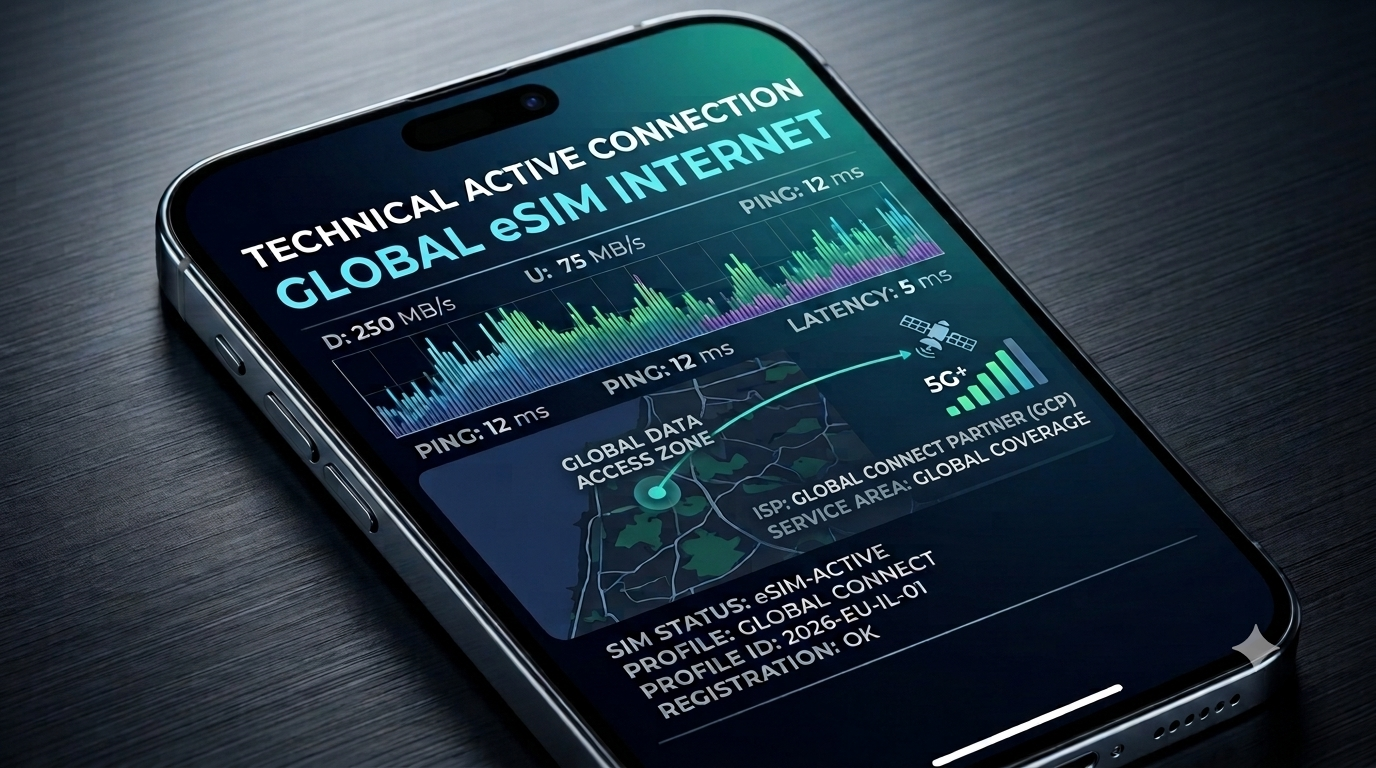
Landing. Terminal chaos. Long lines at local SIM kiosks. An urgent notification you can’t open.
We’ve all been there—that exact moment in your trip when the last thing you want to do is struggle with tech issues or hunt for unreliable public Wi-Fi. Over the past year at GlobaleSIM, we’ve seen thousands of travelers arrive at their destination, fully connected to high-speed internet before they even reached the baggage claim.
The good news for 2026 is that the technology has become effortless. An eSIM is more than just a gadget; it’s your guarantee of a stable, fast, and secure connection—without standing in lines or risking the loss of your primary physical SIM card. In this guide, we’ll show you how to set everything up in just three minutes, step by step, so you can stay focused on what truly matters: your journey.
Quick-Start: Setting Up Your eSIM in 3 Minutes
Follow these steps to activate your connectivity the moment you land:
-
Step 1: The Instant Scan Once you purchase your plan, open your email to find your unique QR code. Go to Settings > Cellular (or Mobile Data) > Add eSIM. Scan the code, and your device will recognize the GlobaleSIM network instantly.
-
Step 2: Assign Your Lines After scanning, your phone will ask you to label your plans. Keep your home line as “Primary” for calls and assign your GlobaleSIM as “Travel” for data. This ensures your WhatsApp number stays active while your data usage is covered.
-
Step 3: The “Land & Go” Switch Once you touch down, turn off your “Primary” line’s data roaming and toggle your “Travel” line to “On.” You are now connected to the local 5G infrastructure.
Pro Tip: Android vs. iPhone Compatibility
Whether you are using the latest iPhone or a Samsung device, the process is virtually identical in 2026. However, if you run into any setup hurdles, don’t guess—check our Global Connectivity Guide for device-specific troubleshooting.
Editor’s Note: As someone who travels constantly for GlobaleSIM, my best advice is to always set up your eSIM while you’re still connected to home Wi-Fi before you head to the airport. It saves you that last-minute stress every single time.
Need Help?
Still have questions about your specific destination or device?
-
Check our Global Connectivity Guide for expert tips on 5G, device compatibility, and troubleshooting.
-
Browse our eSIM plans for your next trip and stay connected instantly with zero roaming fees.
Frequently Asked Questions
-
Q: Can I keep my original number while using GlobaleSIM? A: Yes! You can keep your primary SIM card active for calls and texts while using your GlobaleSIM profile for high-speed data.
-
Q: Does my phone support eSIM in 2026? A: Almost all modern smartphones released in the last few years support eSIM technology. Check your device settings under “Cellular” or “Connections” to confirm if an “Add eSIM” option is available.
-
Q: Is 5G available everywhere? A: We connect to the best local 5G infrastructure available at your destination, ensuring the fastest speeds possible.
Browse our eSIM plans for your next trip and stay connected instantly with zero roaming fees.
Frequently Asked Questions
Yes. After scanning your GlobaleSIM QR code, label your home line as Primary for calls and texts, and set your GlobaleSIM as Travel for data. This keeps your existing WhatsApp number and calling ability active while your data usage runs through the travel plan, so you don't lose your original number during the trip.
Once you land, turn off data roaming on your Primary home line and toggle your Travel eSIM line to On. This is the 'Land & Go' switch that connects you to the local 5G infrastructure immediately, avoiding roaming charges on your home line while your travel eSIM handles all data needs at your destination.
The core setup takes about three minutes: scan the QR code sent to your email under Settings, Cellular, Add eSIM, assign your Primary and Travel lines, then switch on the Travel line once you land. For the smoothest experience, complete the scan and installation while still connected to home Wi-Fi before heading to the airport.
Coverage connects to the best local 5G infrastructure available at your specific destination, so speeds depend on what network technology exists in that location rather than being guaranteed everywhere. For destination-specific details on 5G availability and device compatibility, it's worth checking a provider's connectivity guide before you travel.
Get GlobaleSIM travel guides first in Google Top Stories.